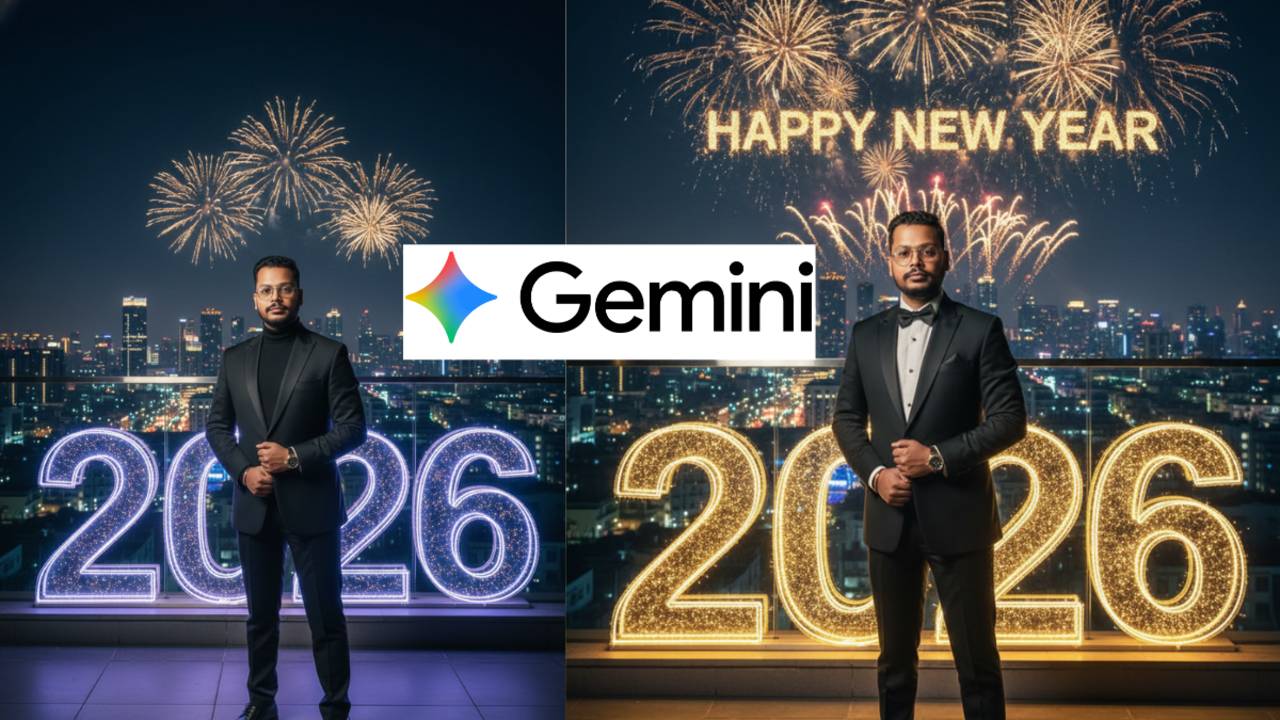
As New Year 2026 gets closer, social media is already filling up with festive visuals, fireworks, and countdown posts. One trend that is gaining massive attention right now is Happy New Year 2026 AI photo editing using Google Gemini. Creators are using Gemini to generate cinematic, emotional, and luxury-style New Year images — and the results are going viral.
From Instagram Reels to Facebook posts and Pinterest boards, Google Gemini Happy New Year 2026 photo editing prompts are helping people create eye-catching visuals without professional editing skills. All you need is one clear photo, and Gemini does the magic.
Why Happy New Year 2026 AI Photos Are Going Viral
People love sharing something special on New Year. Fireworks, glowing “2026” numbers, winter vibes, city lights, and emotional portraits instantly grab attention. Gemini’s AI image generation makes these elements look realistic, polished, and DSLR-quality.
Trending searches like “Happy New Year 2026 AI photo,” “Gemini New Year photo prompts,” and “New Year AI image generator” show how popular this trend is becoming.
Also Read:- Google Gemini AI Superbike Photo Editing Prompts for Boys: Create Viral Cinematic Bike Photos
How Google Gemini Creates Realistic New Year Photos
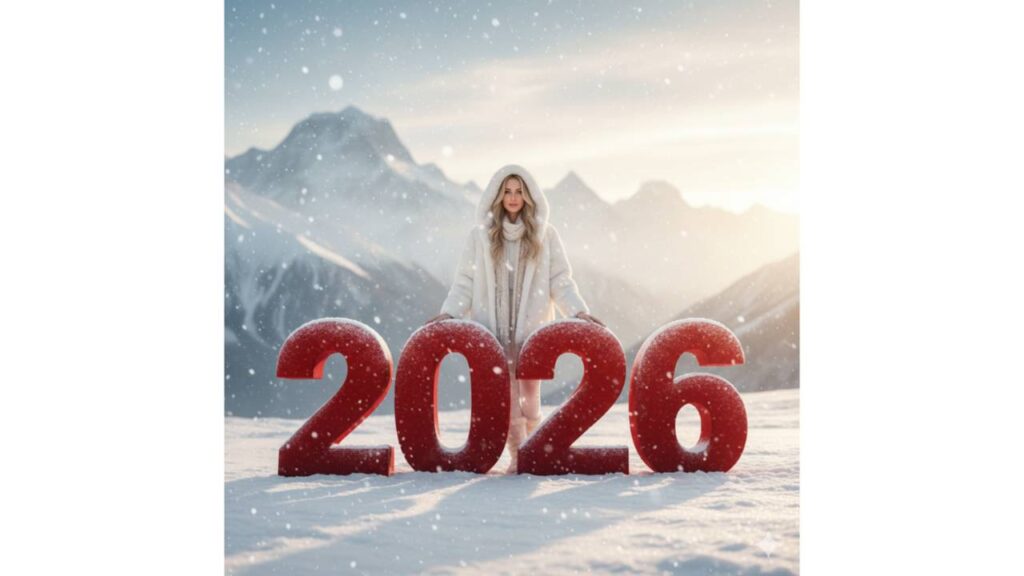
Google Gemini matches faces accurately, balances lighting naturally, and blends backgrounds smoothly. Whether it’s a winter scene, rooftop party, or fireworks night, the final image feels cinematic and premium — not artificial.
That’s why many creators are getting high engagement using Gemini-generated New Year images.
5 Google Gemini Happy New Year 2026 Photo Editing Prompts
Below are copy-paste ready prompts you can directly use in Google Gemini.
Prompt 1: Winter 2026 Cinematic Portrait
Prompt:
Cinematic winter scene featuring giant red velvet “2026” numbers placed in fresh snow. A stylish woman stands slightly behind the numbers, wearing a white luxury winter outfit with coat and boots. Soft snowfall, sunrise light, Himalayan snow mountains in background. Warm glow on face, frost texture on numbers, ultra-realistic, 8K, editorial photography style, festive New Year atmosphere.
Prompt 2: City Night New Year 2026 Portrait
Prompt:
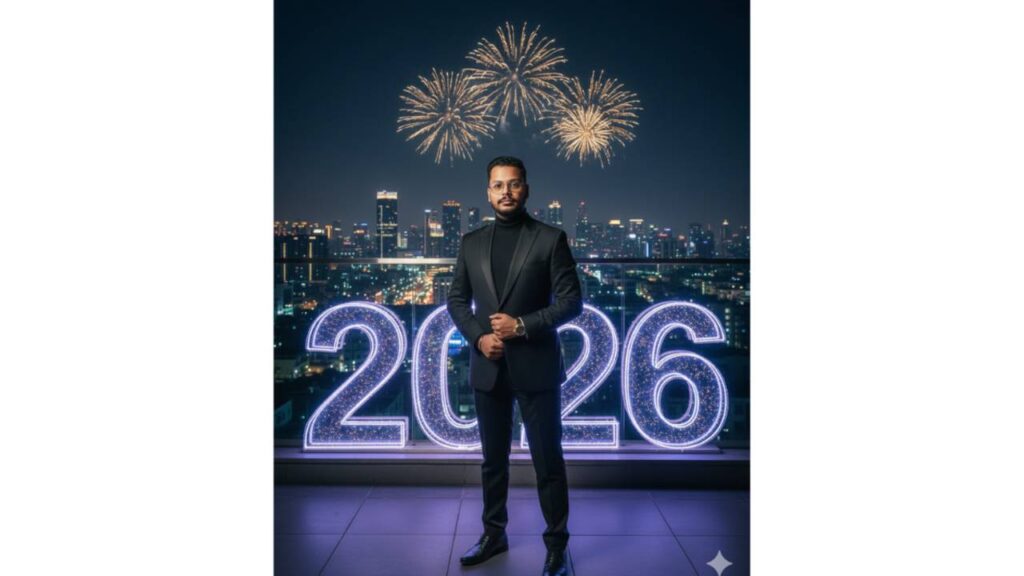
Transform the person into elegant evening wear, standing on a luxury rooftop at night. Large sparkling “2026” numbers visible behind. City skyline glowing with lights, golden fireworks in sky spelling “Happy New Year”. Cinematic lighting, full-body portrait, realistic skin tones, premium DSLR quality.
Also Read:- Akshaye Khanna Dhurandhar AI Photo Editing Prompts 2025: Create Viral Cinematic Images with Google Gemini
Prompt 3: Luxury Rooftop Celebration
Prompt:
A person wearing a golden suit or gown sitting gracefully in front of massive metallic gold “2026” numbers. Rooftop celebration at night, fireworks above with “Happy New Year” text visible. Rich lighting, luxury mood, cinematic depth, ultra-realistic photography.
Prompt 4: Emotional Countdown Moment
Prompt:
Close-up cinematic portrait of a person holding glowing “2026” light numbers. Night background with soft fireworks, bokeh city lights, emotional expression, warm skin tones, shallow depth of field, realistic lighting, Instagram-style New Year photo.
Prompt 5: Minimal Fireworks New Year Look
Prompt:
Modern minimal New Year portrait with clean outfit. Large neon “2026” numbers in background, subtle fireworks in sky, dark cinematic tones, sharp focus, realistic shadows, premium AI photography look.
How to Create Happy New Year 2026 AI Photos Using Gemini
Open Google Gemini, log in with your Google account, and upload a clear photo. Copy any prompt above and paste it into the chat box. Turn on image generation, submit the prompt, and wait a few seconds. Your New Year 2026 AI photo will be ready to download and share.
Also Read:- A Murder in Church Sets the Stage for a Bold New ‘Knives Out’ Mystery
Cinematic & Fireworks Style Tips
For better results, use clear photos with good lighting. You can tweak words like golden light, cinematic tone, film grain, luxury mood, or soft glow to match your style. Gemini allows full creative control with minimal effort.
Disclaimer
This article is published for informational and entertainment purposes only. All images created using Google Gemini are AI-generated and not real photographs. The use of “2026” visuals, fireworks, and festive elements is for creative representation only. We do not claim any official association or endorsement. Always mention “AI-generated” when sharing such images publicly and use AI tools responsibly.