Xiaomi has officially begun the rollout of its latest HyperOS 3 update, bringing Android 16 and a wave of smart AI-powered features to several popular Xiaomi, Redmi, and Poco devices. Announced earlier this year, the update is now reaching users in India, marking a major software upgrade focused on performance, personalization, and productivity.
HyperOS 3 Brings Android 16 to More Devices
The HyperOS 3 update is based on Android 16, offering improved system stability, better privacy controls, and smoother animations. Xiaomi had first introduced this new OS with its flagship Xiaomi 17 series, and the company is now expanding availability to more users.
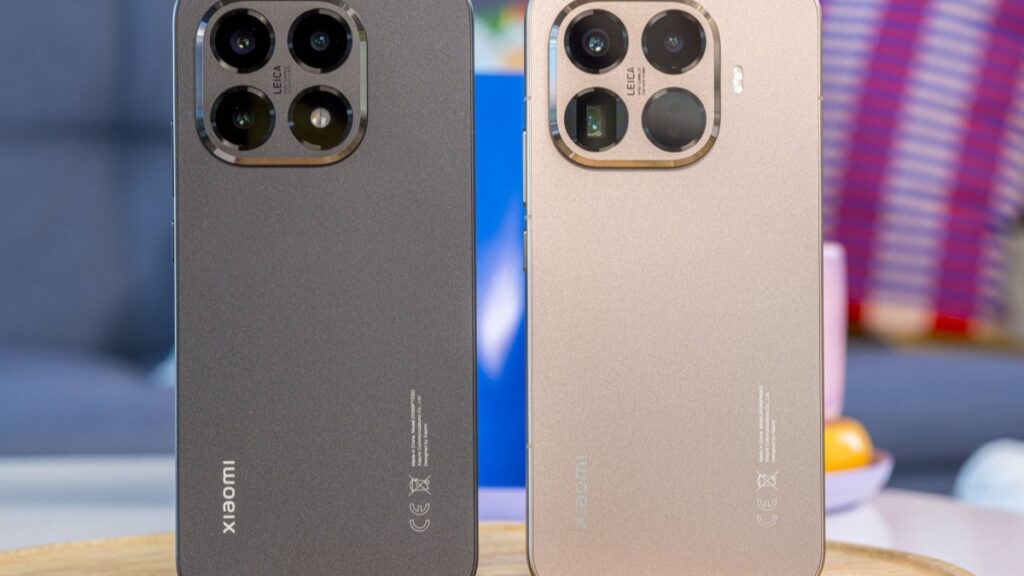
Devices such as Xiaomi 14, Redmi Note 14 5G, Redmi 13, Poco F7, Poco M7 Pro 5G, and Xiaomi Pad 7 are among the first to receive the update. This move strengthens Xiaomi’s promise of long-term software support across mid-range and premium devices.
New HyperAI Features Enhance Daily Use
One of the biggest highlights of HyperOS 3 is the integration of HyperAI, Xiaomi’s new AI system designed to make everyday tasks easier. The update introduces AI writing and editing tools that can adjust the tone and style of messages, emails, and notes.
Users also get features like smart screen recognition, real-time audio transcription, and automatic summaries for voice recordings. These tools are aimed at students, professionals, and content creators who rely on quick and accurate information processing.
HyperIsland and Dual-Island UI Explained
HyperOS 3 introduces HyperIsland, a dynamic notification system inspired by modern UI trends. It displays live alerts, charging status, and background activities in a compact, pill-shaped interface at the top of the screen.
Additionally, the new dual-island design allows users to manage multiple tasks without switching apps. This makes multitasking faster and keeps important controls easily accessible, improving overall user experience.
How to Check and Install HyperOS 3 Update
Users can check for the update by going to Settings > My Device > HyperOS banner > Check for updates. If available, the update can be downloaded and installed directly. The device may restart during the installation process.
With Android 16, advanced AI features, and a refreshed interface, HyperOS 3 stands out as one of Xiaomi’s most feature-rich updates yet, making compatible devices smarter, faster, and more future-ready.
Disclaimer:
The information shared in this article is based on official announcements, early reports, and available details at the time of writing. Features, device availability, and update timelines may vary by region, model, or software batch. Users are advised to check the official Xiaomi website or their device settings for the most accurate and latest update information.